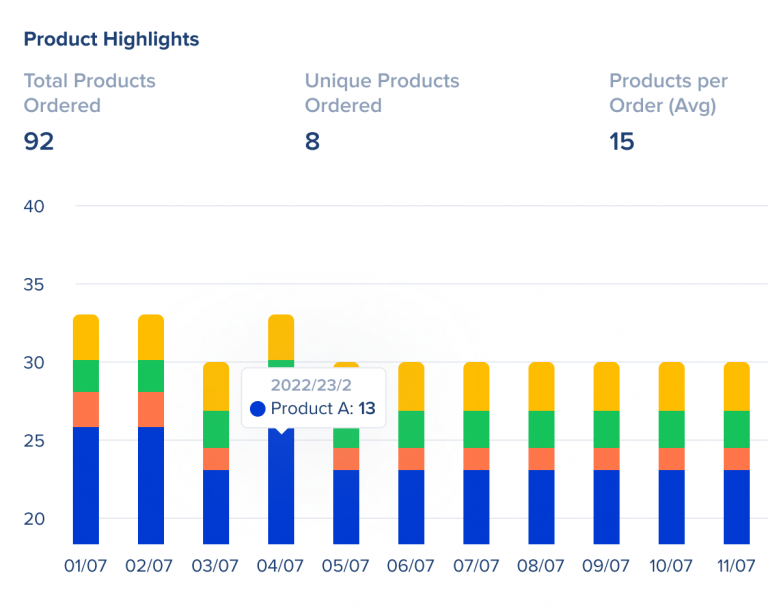
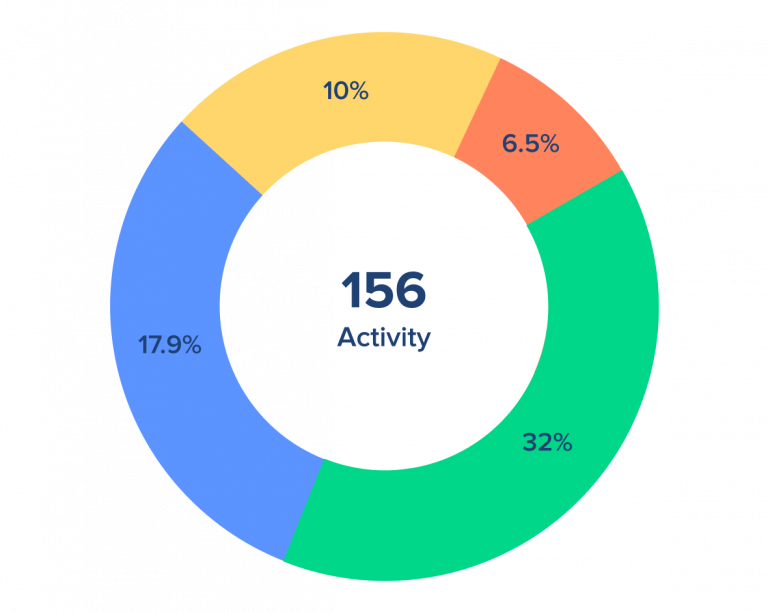
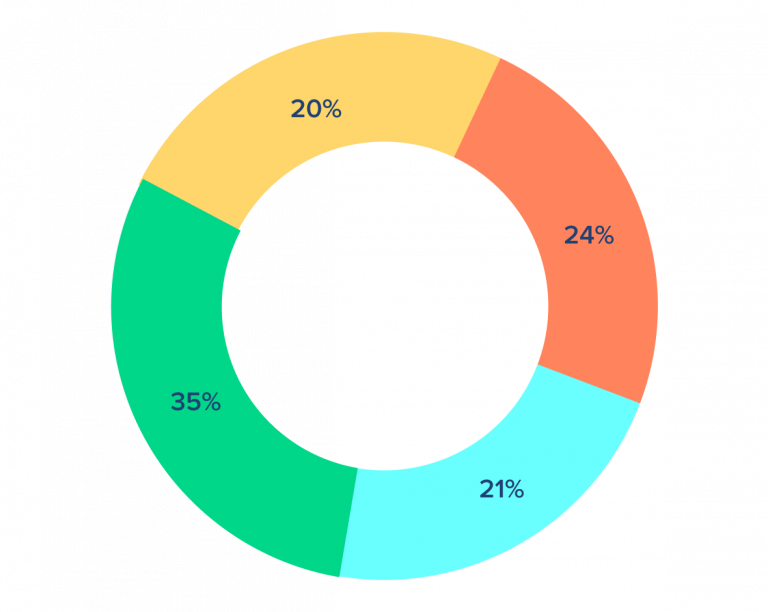
View total sales, profit, and returns broken down by different channels, top-selling products, purchase orders, low and out-of-stock products–all on one screen in eSwap free business analytics and reporting software.
eSwap allows you to view your inventory value on each location, incoming stock, stock transfers between warehouses, and learn how many stocks you have on hand, which will help you to understand, analyze and optimize your business.
Inventory stock on hand
Inventory history details
Report by location
Stock movement report
Detailed Sales reports
Run detailed sales reports by sales channel, product brand, customers, price lists categories, order status, or specific team members. View gross and net sales, profit margin, and export to a spreadsheet.
Sales History
Sales by time period
Sales by product or customer
Invoice history
Detailed purchases reports
View inventory reports of the purchases you have recorded and managed in eSwap. Getting accurate insights allows you to plan your restocking strategies with high efficiency.
PO history
PO by vendor or product
Reorder report
Detailed return reports
Drill down into this report to see accurate information on all returns for each warehouse.
Return history
Return by product
Return by customer
Return by country
Send report copy or Pin reports
You can send a report copy to any email address by setting up an email delivery schedule with this feature.
Create and save a report with your preferred settings. Find your favorite reports on the Reports dashboard.
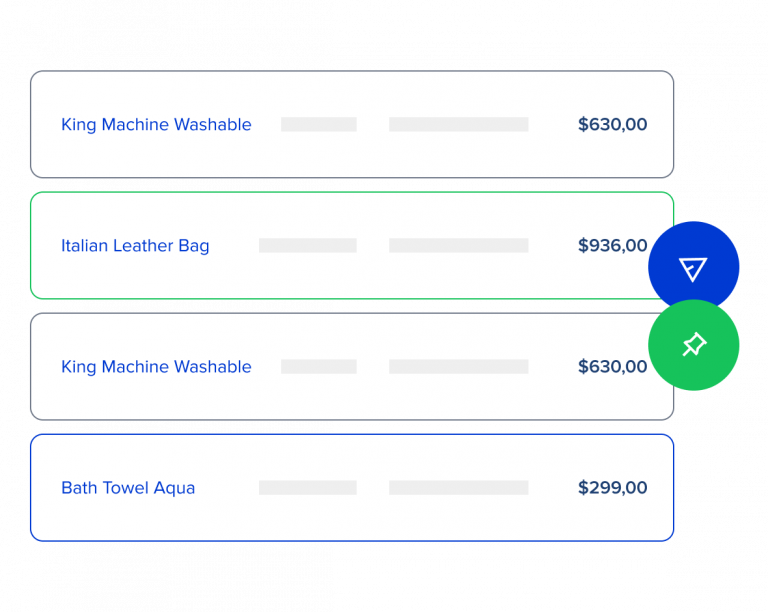
Pin a report to your eCommerce reporting dashboard not to scroll down tons of reports every time you need it.
We use cookies to ensure that we give you the best experience on our website. If you continue to use this site we will assume that you are happy with it.