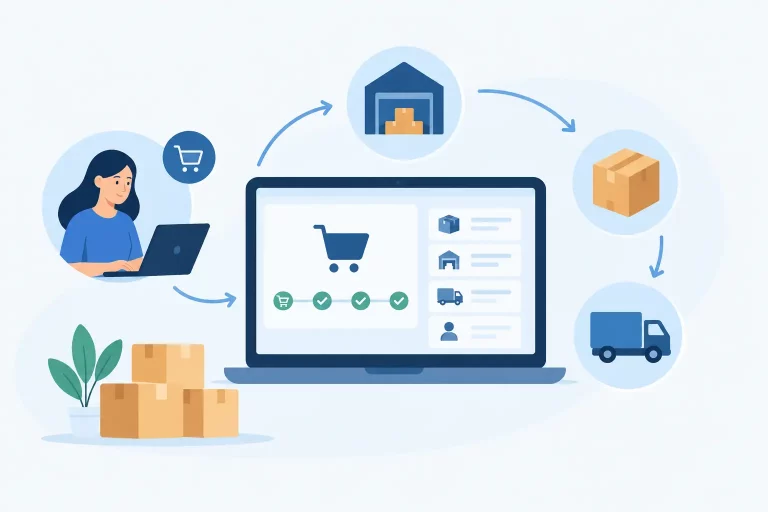
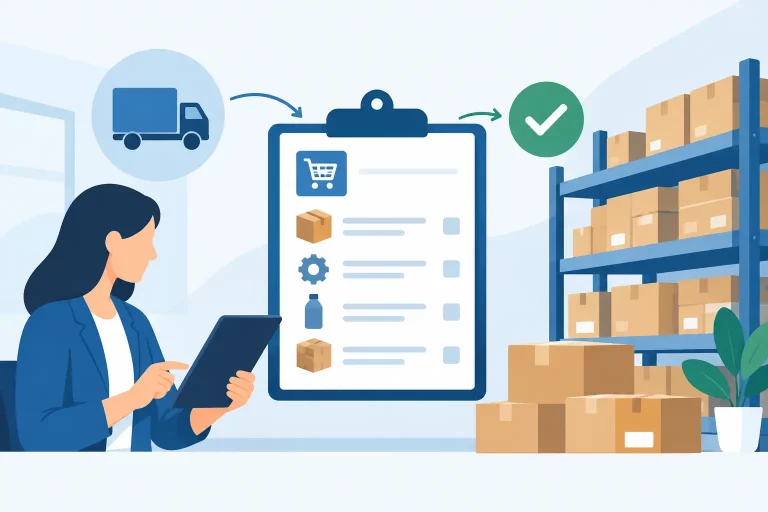
A label failure at 4:45 p.m. is rarely just a label failure. It can mean orders miss carrier pickup, customer service handles avoidable delivery questions, and warehouse staff start reprinting shipments without knowing whether the original label was used. So, why do shipping labels fail? Usually, the problem sits at the intersection of order data, carrier rules, printer settings, and disconnected fulfillment workflows.

For a growing multichannel seller, fixing the immediate error is not enough. The priority is to identify the process that allowed the error to reach the packing station in the first place. A dependable shipping operation turns verified order data into a scannable, carrier-compliant label every time – without manual workarounds or repeated checks.
Why Do Shipping Labels Fail in Daily Operations?
Shipping labels fail for two broad reasons. The label may be technically invalid, meaning the carrier cannot create, rate, or scan it. Or the label may be valid in the system but unusable in the warehouse because it prints poorly, is applied to the wrong package, or no longer matches the shipment.
The distinction matters. A carrier API error calls for a different response than a barcode that will not scan at the dock. Treating every issue as a printer problem wastes time and leaves the actual operational gap in place.
1. Incomplete or Incorrect Address Data
Address data is the most common source of failed labels. A missing apartment number, invalid ZIP code, unsupported destination format, or city and state mismatch can stop label creation before the package reaches the warehouse.
Manual order entry makes this worse, especially when orders arrive from several marketplaces and storefronts. An address may look complete to a picker but still fail carrier validation. International shipments add more variables, including province formats, postal codes, phone numbers, and required customs fields.
Address validation should happen as early as possible, ideally when the order enters the fulfillment workflow. If the system flags exceptions before a wave is released, the warehouse can resolve one order without holding up an entire batch.
2. Carrier Service and Package Details Do Not Match
A label is based on more than an address. Carriers require a compatible service, package type, weight, dimensions, ship-from location, and delivery option. If any one of those fields conflicts with the selected service, the label request can fail or produce unexpected charges.
For example, a flat-rate service may reject a custom package type. A lightweight parcel may be assigned an oversized carton profile. A shipment requiring a signature could be sent through a service that does not support the requested option. These errors often appear when teams rely on default rules that no longer reflect current products or carrier agreements.
Shipping automation needs guardrails, not blind defaults. Set rules that select services based on destination, weight, dimensions, order value, and delivery promise. Then create exception handling for orders that fall outside those rules. The goal is not to automate every decision. It is to ensure staff only review the shipments that genuinely need judgment.
3. Weight and Dimension Records Are Inaccurate
A label can generate successfully and still fail later in the process. Incorrect weight or dimensions may trigger a carrier adjustment, create a surcharge, or route the package through the wrong service level. In some cases, a warehouse associate may discover at the packing bench that the selected carton cannot physically hold the items.
This is an inventory and catalog data issue as much as a shipping issue. Product-level weights, dimensions, and packaging requirements must be maintained in one controlled source. Bundles and kits need their own shipping profiles rather than inheriting incomplete data from component SKUs.
There is a trade-off here. Measuring every low-value item to the nearest fraction of an ounce may not be worth the labor. But high-volume products, dimensional-weight items, fragile goods, and products that regularly incur adjustments deserve accurate, audited records. Focus data-maintenance effort where shipping cost and fulfillment risk are highest.
4. The Carrier Integration Is Disconnected or Out of Date
Carrier connections can fail because of expired credentials, changed API requirements, account restrictions, rate-table updates, or temporary carrier outages. A marketplace order may import correctly while label creation fails because the shipping account is no longer authenticated or a required billing setting is missing.
When shipping tools, order systems, and carrier portals operate separately, diagnosing these failures becomes slow. A team member may check three dashboards, rekey order details, and print a label manually just to clear the queue. That workaround gets one box out the door, but it also breaks tracking synchronization and weakens reporting accuracy.
Centralized shipping operations provide clearer control. The order, shipping method, label status, tracking number, and exception reason should be visible in the same workflow. That makes it easier to distinguish a carrier-side outage from an internal configuration issue and to keep fulfillment moving when a specific service is unavailable.
5. Printer Settings Create Unscannable Labels
A label can be valid yet still fail at the carrier scan. Thermal printers may be set to the wrong label size, use an incorrect print density, or have worn printheads. Inkjet labels can smudge when exposed to moisture, while low-resolution printing can make barcodes unreadable.

A common mistake is treating all labels as standard office documents. Shipping labels need the correct orientation, scale, and media settings. If a four-by-six label is scaled down to fit a standard page, the barcode may print but remain difficult or impossible to scan.
Warehouse teams should use a simple print verification routine. Confirm the label format, scan a test barcode, inspect print clarity, and clean or replace printheads on a schedule. It is a small operational discipline with a direct effect on carrier acceptance and delivery visibility.
6. The Wrong Label Is Applied to the Wrong Package
This is one of the most expensive label failures because the label itself may be perfect. In high-volume environments, similar boxes, split shipments, rushed packers, and batch printing create opportunities for a label to land on the wrong package.
The result can be a delivery to the wrong customer, lost inventory, replacement shipping costs, and a damaged customer relationship. For marketplace sellers, it can also create compliance issues when tracking events do not match the expected order.
The best control is a scan-based pack-and-ship process. The associate scans the order or tote, confirms the items, generates or retrieves the matching label, and verifies the tracking number before the carton is closed. Batch printing can still be efficient, but it needs a clear physical sequence and a verification step. Speed without confirmation is not efficiency.
7. Labels Are Reprinted Without Controlling the Original
Reprints are necessary when a label is damaged or a printer jams. They become risky when the original label may still be attached to a package or when a shipment is canceled and recreated without clear status controls.
Duplicate labels can produce duplicate tracking numbers, confusion at pickup, or shipments that appear manifested but never move. If the first package enters the carrier network and the second label is later used, the fulfillment record can become difficult to reconcile.
A shipping system should record who reprinted a label, why it was reprinted, and whether the original was voided. Staff need a clear rule: never place a replacement label on a package until the prior label has been removed or destroyed. This is especially critical for teams using multiple packing stations.
8. Shipping Happens Outside the Core Workflow
The most persistent shipping problems occur when staff move between spreadsheets, marketplace portals, standalone shipping tools, and carrier websites. Inventory may be accurate in one system while the shipping address is edited in another. Tracking may be uploaded late or not at all. A label works, but the operational record does not.
That fragmentation creates hidden costs: more training, slower exception resolution, inconsistent carrier selection, and unreliable performance reporting. It also makes scaling harder. Adding channels or warehouses multiplies the number of handoffs instead of increasing capacity.
Build a More Reliable Label Process
A reliable label process starts before the warehouse prints anything. Order data should be normalized as it enters the system, inventory should be allocated from the correct location, and shipping rules should select an appropriate service based on defined conditions. At the packing station, scanning and verification should connect the physical package to the digital order record.
Use exceptions as operational data. If the same address failures occur repeatedly, improve validation rules. If a carrier service creates frequent rate adjustments, review product dimensions and routing logic. If one station produces poor barcodes, address the device and print settings rather than asking staff to compensate.
For multichannel businesses, this level of control is where a connected operations platform earns its place. eSwap centralizes orders, inventory, warehouse activity, and shipping workflows so teams can manage label creation from the same operational record used to fulfill the order.
The practical goal is simple: when a packer scans an order, the right label should print for the right package, with data the carrier can accept and tracking the customer can trust. That is how shipping becomes a controlled process instead of a daily source of exceptions.