A backorder is not automatically a failure. For a growing retailer, it can preserve a sale when demand outpaces available stock. The problem starts when teams do not know how to manage backorders efficiently across every sales channel, warehouse, and supplier. Then a temporary stock gap becomes overselling, delayed shipments, support tickets, canceled orders, and damaged customer trust.

The goal is not to eliminate every backorder. Some are commercially sensible, especially for proven products with reliable replenishment. The goal is to control them with accurate inventory, clear rules, and a fulfillment workflow that keeps customers informed from checkout through delivery.
Start With One Accurate Inventory Position
Backorder management breaks down when inventory data is fragmented. A Shopify store may show one quantity, Amazon another, and the warehouse team may be working from a spreadsheet that is already outdated. If stock is not synchronized in real time, a fast-selling SKU can be sold several times after the last available unit has been allocated.
Create one operational inventory position that accounts for on-hand stock, reserved inventory, inbound purchase orders, damaged goods, safety stock, and stock assigned to other channels. Available-to-sell inventory should not simply equal what is physically sitting on a shelf. It should reflect what can actually be promised without disrupting open orders or warehouse operations.
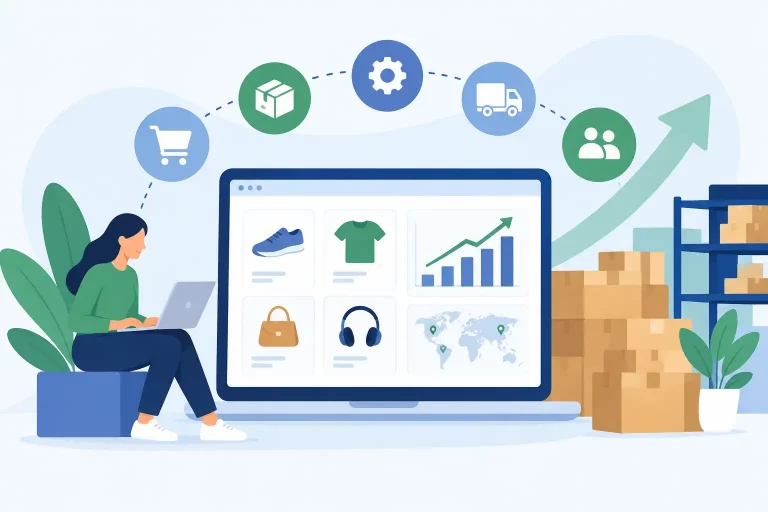
This matters most when the same product is listed on multiple marketplaces. A centralized commerce operations platform can update stock across channels as orders are placed, canceled, picked, or received. That reduces the manual work required to prevent overselling and gives operations teams a reliable basis for deciding whether a product should remain available on backorder.
Decide Which Products Should Accept Backorders
Not every out-of-stock item deserves a backorder setting. Allowing backorders on unreliable, low-margin, seasonal, or discontinued products creates a customer promise the business may not be able to keep. Treat backordering as a product-level decision, not a default setting applied to the entire catalog.
A product is usually a strong candidate for backorders when demand is consistent, the supplier has a dependable lead time, the item has a healthy margin, and the expected replenishment date is credible. Fast-moving core products often qualify because customers may be willing to wait rather than switch brands or search another marketplace.
Avoid backorders when supplier delivery dates are uncertain, products require configuration that delays fulfillment, or inventory is constrained by a limited launch allocation. It may also make sense to disable backorders for bulky or expensive goods when holding customer payment for an extended period creates unnecessary service risk.
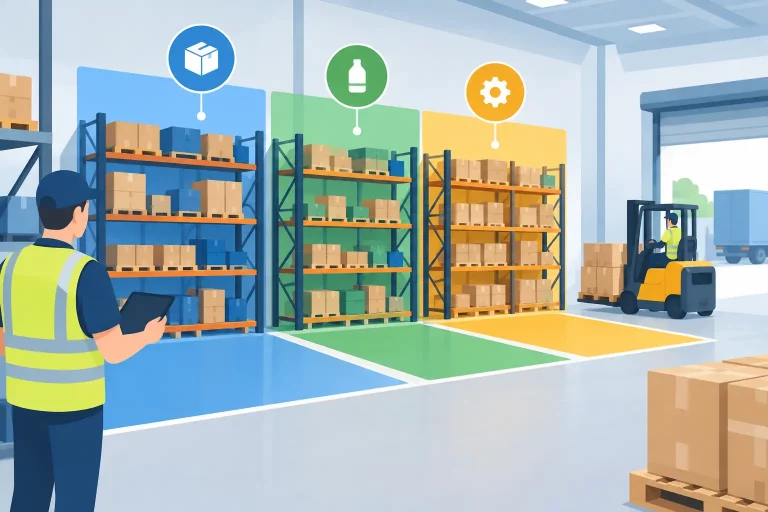
Set clear rules for each SKU or product group. Those rules should define whether backorders are allowed, the maximum order quantity, the expected ship window, and the point at which the listing must be paused. This gives sales, purchasing, warehouse, and support teams the same operating standard.
Use Demand and Lead-Time Data to Set Limits
A backorder promise is only as good as the data behind it. Historical sales help estimate demand, but operators also need to account for current order velocity, promotions, marketplace events, supplier performance, and inbound inventory status. Last month’s average sales may be misleading if a campaign has doubled daily demand.
Review four signals before extending a backorder window:
- Current daily sales velocity by channel and SKU
- Confirmed supplier lead time and recent on-time delivery performance
- Quantity and expected receipt date on open purchase orders
- Existing unfulfilled orders and inventory already reserved for them
Use these signals to calculate a controlled backorder cap. For example, if 300 units are confirmed inbound, 80 are already committed to open orders, and a safety reserve of 40 units is required, the business should not accept more than 180 additional backorders. The number should adjust as new orders arrive, purchase orders change, or inventory is received.
A cap protects revenue without exposing the business to an unlimited liability. It also prevents a popular listing from collecting more orders than the next inbound shipment can fulfill. For high-volume merchants, automated allocation rules are far more dependable than asking staff to recalculate availability manually throughout the day.
Give Customers a Specific, Honest Promise
Customers can accept a delay. What they do not accept is uncertainty after payment has been collected. The product page, cart, order confirmation, and post-purchase communication should make the backorder status clear before the customer has to ask.
Use a specific expected shipping range when the inbound date is reliable. “Ships by June 18” is more useful than “Backordered.” If the date is still dependent on supplier confirmation, say so plainly and avoid presenting an estimate as a guarantee. The message should distinguish between an item that is temporarily unavailable and an order that has already shipped.
Operational teams should also define a communication trigger for changed dates. If a supplier misses a delivery appointment or a received quantity is short, affected customers need an update before the original promise expires. Proactive updates reduce “Where is my order?” tickets and make it easier for customers to choose whether to wait, substitute, or cancel.
For orders containing both in-stock and backordered products, decide in advance whether to split shipments. Splitting can improve the customer experience for urgent items, but it increases pick-pack work, shipping cost, and the chance of partial-order confusion. Use it selectively based on order value, margin, customer expectations, and carrier cost.


Allocate Inventory by Priority, Not by Guesswork
When replenishment arrives, the warehouse needs a consistent method for assigning inventory. Without one, teams may ship whichever order is easiest to find, fulfill orders from the loudest customer, or accidentally allocate stock to a newer marketplace order ahead of an older paid order.
A standard first-in, first-out allocation policy is often the fairest starting point. However, it is not always the best commercial choice. Wholesale accounts with contractual service levels, preorder customers, high-value customers, or orders tied to a fixed event date may need defined priority rules.
The key is to document exceptions and automate them where possible. Inventory allocation should occur before picking begins, with stock reserved against eligible orders. That prevents warehouse staff from picking inventory that has already been promised elsewhere and helps teams see exactly which orders can ship when stock is received.
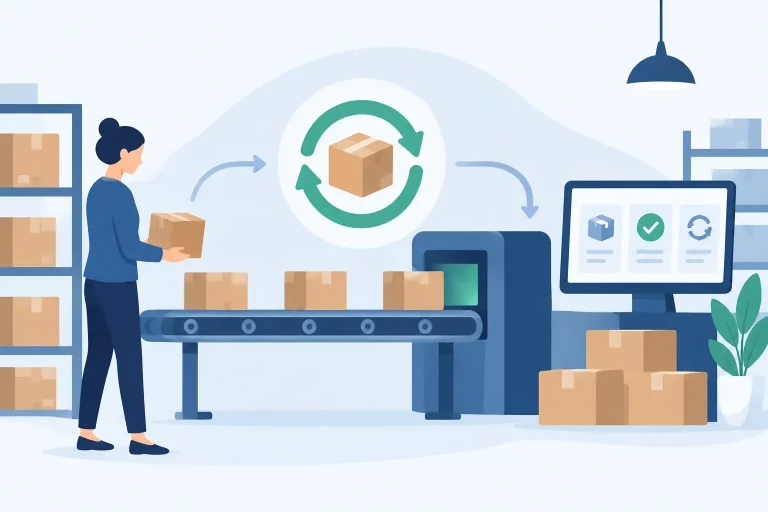
Warehouse workflows should reflect backorder status clearly. Pick lists, packing stations, and exception queues must separate ready-to-ship orders from orders waiting for inventory. When a receipt is processed, the system should release eligible orders quickly so the fulfillment team can act without manually searching for every affected customer order.
Connect Purchasing, Receiving, and Customer Orders
Backorders are often managed poorly because purchasing and fulfillment operate as separate processes. Buyers know an order has been placed with a supplier, but the warehouse cannot see an expected receipt date. Customer service sees a delayed order but cannot tell whether the purchase order is confirmed, in transit, or late.
Connect purchase orders to product demand and open customer orders. This allows planners to see which inbound quantities are already spoken for, which SKUs are at risk of further delay, and where an additional purchase order may be needed. It also improves cash planning because the business can distinguish between inventory bought for forecasted demand and inventory required to cover existing commitments.
Receiving accuracy is equally important. A supplier may ship 500 units but deliver 470, or send the right quantity with a portion damaged. Inventory should not be released against backorders until the receipt is verified and available stock is updated. Fast receiving without controls creates a different form of overselling.
Platforms such as eSwap help centralize orders, inventory, purchasing, warehouse activity, and shipping in one operating environment. That visibility lets teams trace a backordered item from the sales channel to its purchase order, warehouse receipt, allocation status, and final shipment without working across disconnected tools.
Measure the Cost of Backorders, Not Just the Volume
A growing backorder count does not always mean the process is failing. It may show strong demand for products worth replenishing more aggressively. The useful question is whether the business is fulfilling those orders within the promised window and at an acceptable cost.
Track backorder fill rate, average days to ship, cancellation rate, late-promise rate, support contacts per backordered order, and margin after any split-shipment cost. Review these metrics by SKU, supplier, channel, and warehouse. A product may perform well on a direct-to-consumer site but cause higher cancellations on a marketplace where delivery expectations are tighter.
Use the results to adjust reorder points, safety stock, supplier terms, and product-level backorder permissions. If one supplier repeatedly causes late shipments, a larger backorder cap will not solve the problem. If demand spikes regularly after marketplace promotions, the fix may be earlier purchasing or channel-specific inventory buffers.
Build a Backorder Workflow Before the Next Stockout
The best time to set backorder rules is before a bestseller sells out. Define who owns demand review, who approves supplier date changes, how inventory is allocated, when customers are notified, and when listings are paused. Train warehouse and customer service teams on the same status definitions so customers receive consistent answers.
A controlled backorder process turns a stock shortage into a managed sales opportunity. When inventory, purchasing, fulfillment, and customer communication work from the same real-time information, merchants can protect revenue without making promises their operation cannot keep.