A warehouse team can often keep up with manual processes until one busy week exposes the gaps. Orders arrive from multiple channels, stock changes in one system but not another, and a customer buys an item that has already been picked for a different order. The real question in manual fulfillment vs automation is not whether people should be removed from the process. It is whether your people have the systems and rules needed to work accurately at volume.
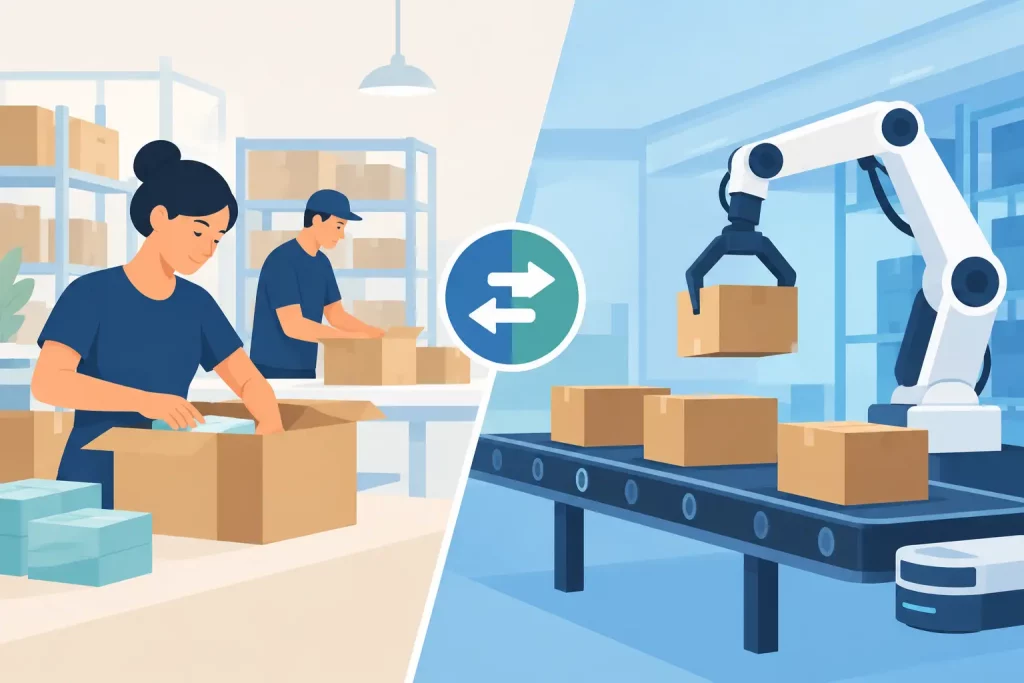
Manual fulfillment has a place in early-stage operations and exception handling. But as order volume, sales channels, SKUs, and warehouse locations increase, manual work creates more opportunities for delays, overselling, shipping errors, and costly rework. Automation gives operators control by connecting the tasks that should happen consistently every time.
What Manual Fulfillment Looks Like in Practice
Manual fulfillment usually means teams receive orders through separate storefronts or marketplace portals, review inventory in spreadsheets or disconnected tools, print shipping labels individually, and update order statuses after the fact. A staff member may need to copy an address, select a carrier service, check product availability, and notify another team when stock runs low.
This approach can work when a business has a small catalog, limited daily order volume, and one selling channel. It is also useful when an order requires judgment that rules cannot easily handle, such as a custom bundle, a high-value shipment, or a customer-requested substitution.
The problem is not the individual task. The problem is repetition across disconnected systems. Every handoff introduces a chance to use outdated inventory data, choose the wrong shipping service, miss a marketplace order, or enter the same information twice.
For multichannel sellers, the cost is more than labor. A delayed inventory update can lead to overselling. A missed carrier cutoff can turn a same-day shipment into a late delivery. A picker working from an outdated order queue can create a customer service issue that takes far longer to resolve than the original task.
Manual Fulfillment vs Automation: The Operational Difference
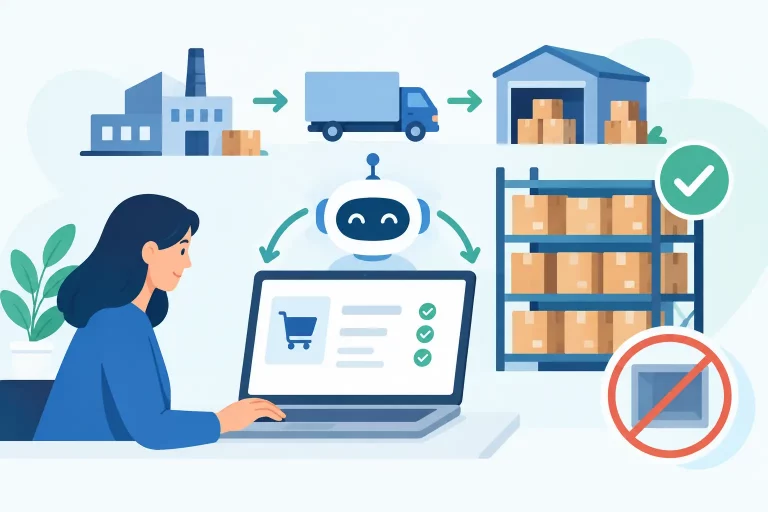
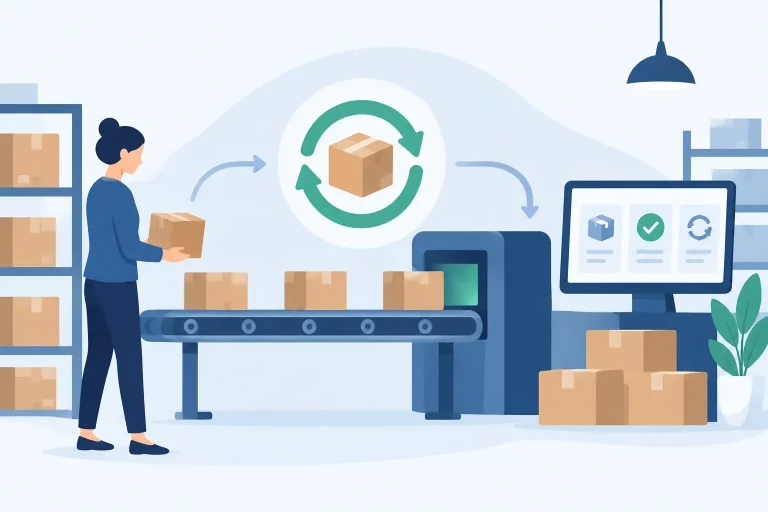
Automation does not mean fulfillment runs without people. It means the system handles predictable decisions and data movement so the team can focus on receiving, picking, packing, quality control, exceptions, and customer needs.
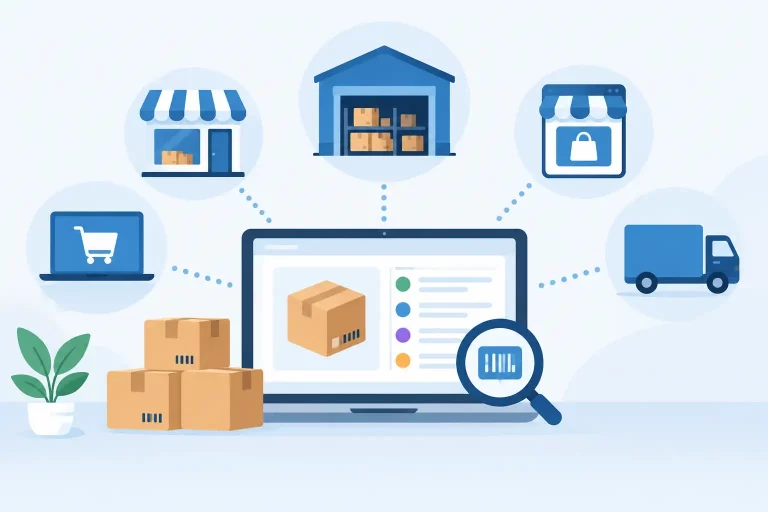
In an automated commerce operation, orders from connected marketplaces, storefronts, and wholesale channels flow into one operational view. Inventory updates across channels based on defined rules. Orders can be routed to the correct warehouse, assigned a shipping method, and moved into a pick workflow without someone manually checking each source.
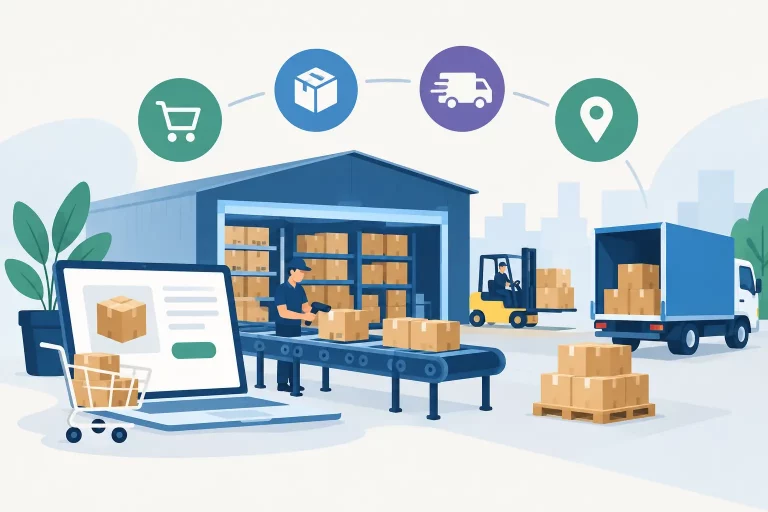
The difference becomes clear in the daily order cycle. With manual fulfillment, an operator may spend time gathering orders, comparing stock, selecting carriers, and updating statuses. With automation, those steps follow established conditions. For example, an order can route to the warehouse with available inventory, use a service based on destination and package criteria, and send tracking back to the sales channel once the label is created.
That consistency improves speed, but accuracy is often the bigger gain. When inventory, orders, and shipping activity share the same operating system, teams work from current information rather than assumptions or delayed exports.
Where Automation Produces the Fastest Return
Not every workflow needs to be automated at once. The strongest starting point is usually the work that is repetitive, high-volume, and expensive when it goes wrong.
Inventory synchronization across channels
Inventory synchronization is a priority for businesses selling the same products through Amazon, eBay, Shopify, Walmart, wholesale accounts, and other channels. Without centralized stock control, teams must reconcile quantities manually or accept the risk of selling inventory that is no longer available.
Automated inventory updates reduce that risk by adjusting available stock as orders are placed, canceled, returned, received, or transferred. The right setup also accounts for reserved inventory, safety stock, warehouse-level quantities, and channel-specific allocation rules. This gives operators a more reliable view of what can be sold and what needs to be replenished.
Order routing and fulfillment queues
As businesses add locations, third-party fulfillment partners, or different fulfillment methods, deciding where each order should ship from becomes harder. Manual routing can work for a handful of orders, but it becomes a bottleneck when staff must compare location, inventory, shipping cost, and delivery requirements hundreds of times per day.
Rules can route orders based on stock availability, customer location, warehouse priority, sales channel, or service level. Fulfillment teams receive clearer queues, and orders are less likely to sit waiting for a decision. Operators can still override a route when an exception requires it.
Shipping label creation and carrier selection
Creating labels one at a time is a common source of wasted time. It also makes it harder to enforce shipping rules consistently. Automation can apply approved carrier services based on package weight, dimensions, destination, delivery promise, or cost thresholds.


A shipping workflow should not blindly choose the cheapest option. A low-cost service that misses a marketplace delivery commitment can create larger costs through claims, negative feedback, or lost account performance. Good automation applies the rules that match the business’s service commitments.
Purchase and replenishment workflows
Manual inventory planning often depends on someone noticing a low-stock item in a spreadsheet. That approach is difficult to maintain when demand varies by channel, season, bundle configuration, or warehouse.
Centralized purchasing workflows can help teams identify reorder needs using current inventory, sales activity, supplier lead times, and incoming purchase orders. The goal is not to eliminate planning judgment. It is to give planners timely, dependable signals before a stockout affects revenue.
Signs Your Operation Has Outgrown Manual Work
Order volume alone is not the only trigger. A business processing 50 complex orders across five channels may need automation sooner than a business processing 300 simple orders from one store.
Look for operational symptoms. Frequent inventory adjustments, late shipments, spreadsheet-based order tracking, repeated data entry, unclear warehouse priorities, and regular oversell incidents all point to a process that is relying too heavily on manual coordination. The same is true when adding staff no longer solves the problem because new hires need extensive training just to navigate disconnected systems.
Another clear sign is when managers spend more time chasing status updates than improving operations. If finding the answer to a basic question such as “Where is this order?” requires checking multiple tools or messaging several people, the process lacks a reliable source of truth.
What Not to Automate Without Review
Automation is most effective when the underlying process is clear. Automating a poorly defined workflow only makes errors happen faster.
Start by documenting how orders move from sale to shipment, where inventory is updated, who handles exceptions, and which decisions are based on real business rules. Then identify the steps that should be standardized. Custom orders, fraud reviews, damaged-item decisions, and high-value customer requests may still require human approval.
Teams should also avoid setting rules and forgetting them. Carrier pricing changes, warehouse capacity shifts, supplier lead times move, and sales channels introduce new requirements. Review automation performance regularly to confirm that rules continue to support margin, delivery speed, and customer experience.
Building a Controlled Transition to Automation
A phased approach is usually safer than replacing every process at once. Begin by centralizing order and inventory data, because every downstream fulfillment decision depends on accurate information. Next, automate the repetitive steps with clear rules, such as channel inventory updates, shipping label generation, and order routing.
Measure the impact with operational metrics that matter: order processing time, pick accuracy, oversell rate, shipping cost per order, late-shipment rate, and time spent on manual updates. These numbers show whether automation is reducing friction or simply shifting work to a new place.
A platform such as eSwap can bring inventory, orders, warehouses, shipping, purchasing, and B2B workflows into one system, making it easier to apply rules without losing operational visibility. The objective is not to add technology for its own sake. It is to make every order move through a controlled, repeatable process.
The best time to improve fulfillment is before growth turns routine work into daily firefighting. Keep people responsible for the exceptions and customer decisions that need judgment, and let connected workflows handle the repeatable work that should never depend on memory, spreadsheets, or a last-minute manual check.