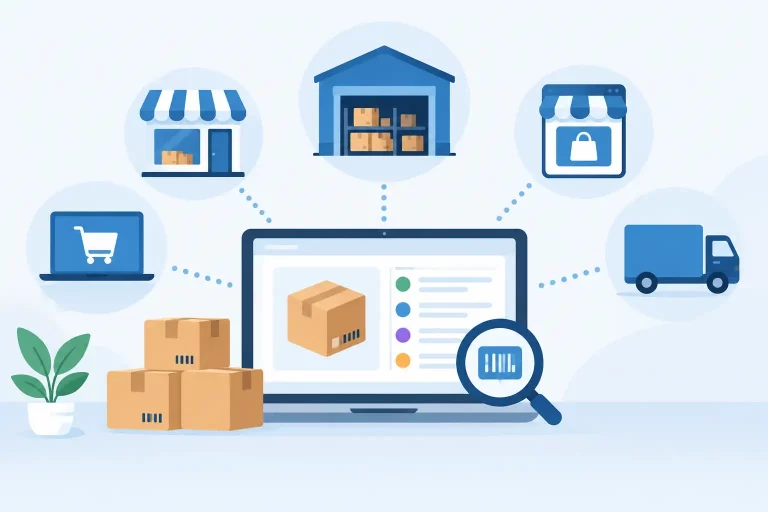
A customer places an order on your Shopify store while the same SKU is selling through Amazon, eBay, Walmart, and wholesale. The question is no longer whether you received the order. It is whether you can fulfill it from the right location, with accurate stock, at the lowest practical cost, before a delay turns into a cancellation.
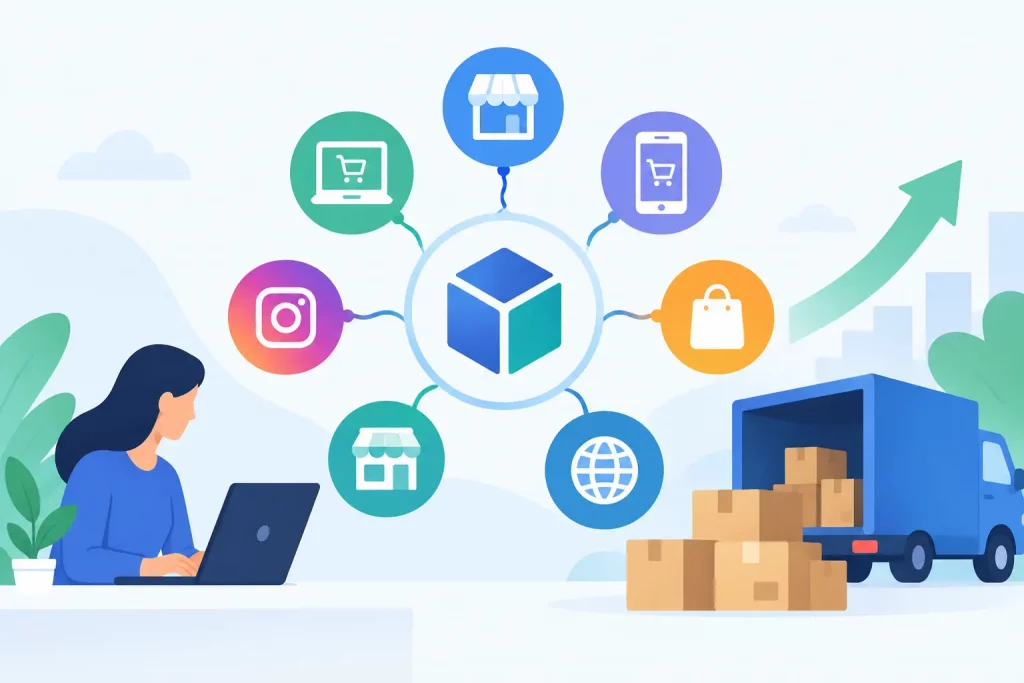
Order orchestration software gives multichannel sellers a system for making those decisions automatically. It connects incoming orders with available inventory, warehouse capacity, shipping rules, and fulfillment workflows so teams can process volume without relying on spreadsheets, inbox checks, or manual channel updates.
What Order Orchestration Software Does
Order orchestration software sits between your sales channels and your fulfillment operations. It collects orders from marketplaces, online stores, B2B portals, and other selling channels, then applies the rules that determine how each order should move through the business.
For a growing merchant, this usually means assigning an order to the best warehouse, reserving inventory, selecting a shipping method, creating the fulfillment task, and sending status updates back to the channel. The system can also flag exceptions, such as an address issue, incomplete payment, unavailable inventory, or a split shipment requirement.
The value is not simply putting all orders on one screen. A central order view is useful, but orchestration is about controlling the next action. It answers operational questions in real time: Which warehouse has the item? Which location can ship it fastest? Should the order ship complete or in separate packages? Can a substitute SKU be used? Does this wholesale customer require a specific carrier or packing rule?
Why Multichannel Operations Need Orchestration
Each new sales channel creates another path for orders, inventory changes, cancellations, returns, and fulfillment updates. Without a central operating system, teams often compensate by adding manual checks. That may work at low volume. At scale, it creates delayed shipping, overselling, duplicate work, and decisions made with outdated data.
The most common problem is inventory fragmentation. A business may hold stock in multiple warehouses, a 3PL, a retail location, or an Amazon fulfillment network. If each channel sees a different inventory number, the business can sell stock that is already allocated elsewhere. The resulting cancellation affects revenue, customer trust, marketplace performance, and support workload.
Routing is another pressure point. Sending every order to the same warehouse might be simple, but it can increase shipping zones, leave faster locations underused, and create bottlenecks during peak periods. Good orchestration lets the business prioritize the rules that matter most, whether that is delivery speed, shipping cost, warehouse workload, customer tier, or inventory aging.
The Workflows That Create Real Operational Control
The right workflows depend on the business model, but a few capabilities consistently matter for multichannel retailers and wholesalers.
Inventory-aware order routing
Orders should be routed based on actual available-to-sell inventory, not a static assumption that one location has everything. The system needs to account for stock already reserved for other orders, safety stock levels, incoming purchase orders when applicable, and channel-specific allocations.
For example, a merchant may keep dedicated stock for a high-volume marketplace while allowing Shopify orders to pull from the nearest warehouse. Those rules protect priority channels while still keeping inventory productive across the operation.
Warehouse and fulfillment logic
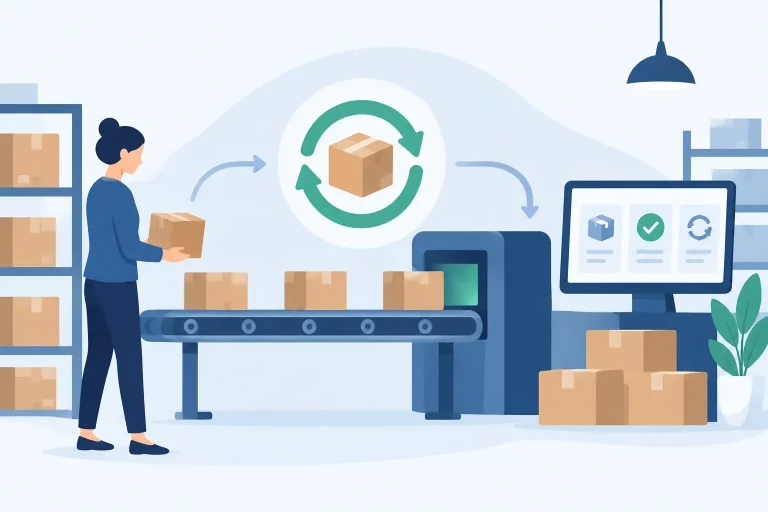
A warehouse team needs clear, actionable work. Once an order is routed, the warehouse should receive the correct pick, pack, and ship instructions without rekeying data. This includes pick lists, bin locations, packaging requirements, shipping labels, and any customer-specific rules.
For businesses using both internal fulfillment and third-party logistics providers, orchestration should direct orders to the appropriate fulfillment partner and retain visibility after handoff. The goal is one controlled workflow, not a separate process for every warehouse relationship.
Shipping automation
Carrier selection can become expensive when it is managed manually. Order orchestration can apply shipping rules based on service level, destination, package characteristics, order value, customer preference, or carrier cutoff times.
The lowest rate is not always the right choice. A high-value order may require insurance or signature confirmation. A marketplace order may need a service that meets a promised delivery window. Effective rules balance cost with delivery performance rather than treating all packages the same.
Exceptions and split orders
Automation is most valuable when it brings exceptions to the surface early. If an order cannot ship because one item is out of stock, the system should not let it disappear in a queue. It should present a defined path: hold the order, split it, transfer inventory, substitute an approved item, or request a customer decision.


This is especially important for bundles, kits, preorders, and wholesale orders with partial shipment policies. A controlled exception process prevents fulfillment teams from making inconsistent decisions under pressure.
What to Look for in Order Orchestration Software
Not every system that imports orders provides true orchestration. When evaluating software, focus on how well it manages the operational decisions between order capture and final delivery.
First, verify that integrations support the channels you use now and the ones you expect to add. Marketplace, storefront, carrier, accounting, payment, warehouse, and B2B connections should exchange data reliably. An integration that only imports orders but cannot sync inventory, tracking, cancellations, or fulfillment status will leave manual work in place.
Next, examine rule flexibility. Your business should be able to define routing conditions without depending on custom development for every operational change. Useful rules may include shipping region, warehouse priority, product category, order value, service level, customer group, stock threshold, and channel source.
Inventory visibility is equally critical. The platform should distinguish between on-hand, reserved, available, damaged, in-transit, and allocated inventory. If the numbers are unclear, routing decisions will be unclear too.
Finally, look at execution inside the warehouse. A strong system connects order logic to picking, packing, labeling, and shipment confirmation. If orders are intelligently routed but warehouse workers still use disconnected tools, fulfillment speed and accuracy will remain limited.
How to Implement Without Disrupting Fulfillment
Implementation should begin with process mapping, not software settings. Document how orders enter the business, where inventory is stored, how each warehouse works, which orders need special handling, and where teams currently intervene manually. The goal is to identify the decisions that should become rules.
Start with a limited set of high-impact workflows. A practical first phase may centralize orders, synchronize inventory, and route standard domestic orders to the best fulfillment location. After the team confirms that those workflows are reliable, add more complex logic for bundles, split shipments, wholesale accounts, international orders, and returns.
Data cleanup matters before automation is turned on. SKU naming, warehouse locations, product dimensions, carrier services, and customer records need consistent structure. Automation only accelerates the process it is given. If the source data is inconsistent, the errors will move faster.
Teams should also define ownership for exceptions. Someone needs authority to adjust routing rules, resolve inventory conflicts, approve substitutions, and monitor orders that fail automation checks. The objective is not to eliminate human judgment. It is to reserve human attention for the orders that genuinely require it.
Where eSwap Fits in the Workflow
For merchants managing multiple marketplaces, direct-to-consumer stores, warehouses, and wholesale customers, eSwap brings orders, inventory, shipping, warehouse activity, purchasing, and catalog data into one operational environment. That central control helps teams apply consistent fulfillment rules while maintaining accurate stock across channels.
A connected platform is particularly useful when growth adds complexity faster than headcount. Instead of asking staff to reconcile separate systems throughout the day, operators can work from current order and inventory data, automate repeatable decisions, and focus on exceptions that affect customers or margins.
Build Rules Around Business Priorities
Order orchestration is not a one-time configuration project. Shipping costs change, warehouse capacity shifts, product demand moves, and new channels introduce different service requirements. Review routing outcomes regularly: where orders ship from, how often they split, which exceptions recur, and whether inventory buffers are protecting the channels that matter most.
The best operating model is the one your team can explain, measure, and improve. When every order follows a clear path from sale to shipment, growth becomes an operational advantage instead of another source of back-office chaos.