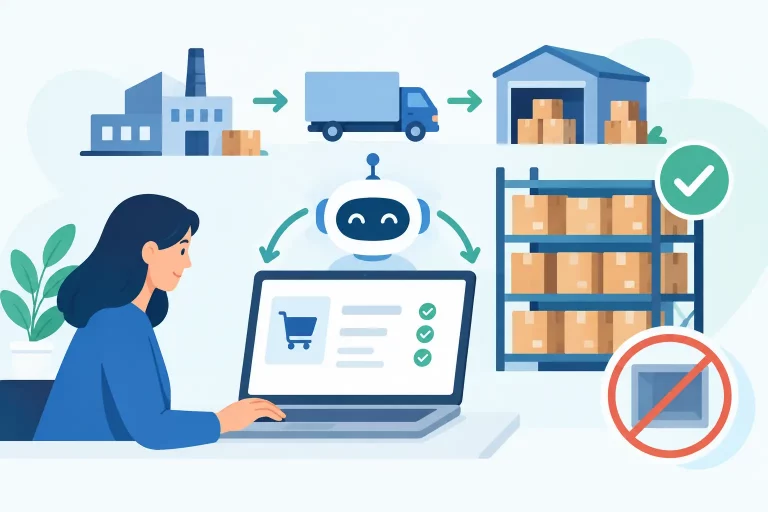
A product can show as available in your store while being impossible to pick, packed in the wrong bin, or already committed to another order. That is where warehouse management versus inventory control becomes more than a terminology question. For multichannel sellers, the difference determines whether growth produces faster fulfillment or more overselling, mispicks, and manual cleanup.
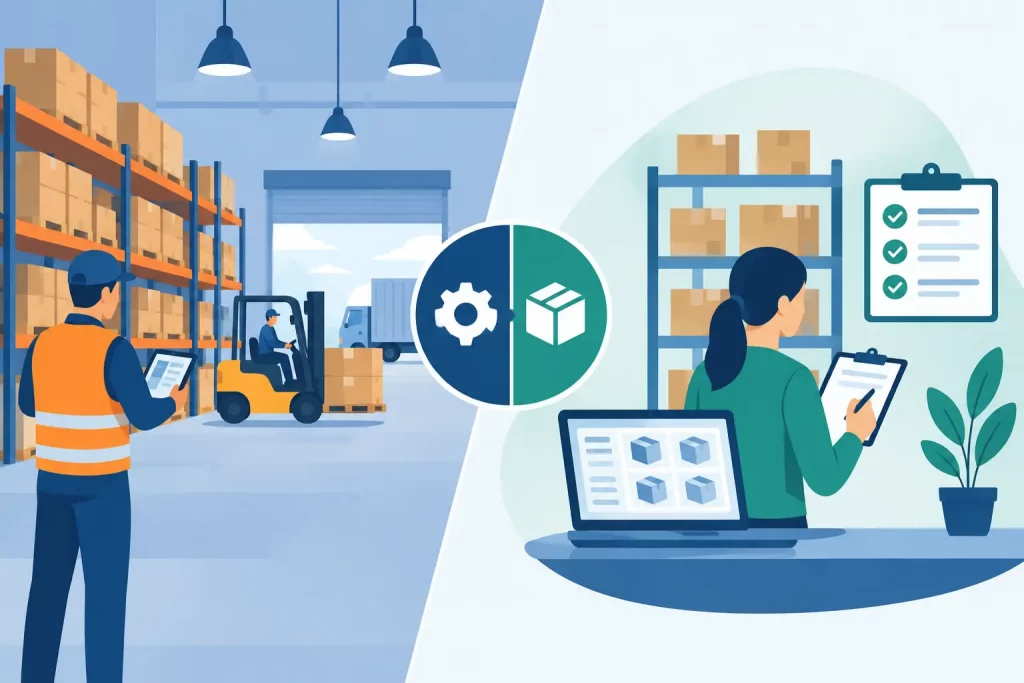
Inventory control tells you what stock you have and where it is available to sell. Warehouse management governs how that stock physically moves through receiving, putaway, picking, packing, replenishment, and shipping. Both disciplines need accurate data. But they solve different operational problems, and a business that treats one as a substitute for the other usually feels the gap as order volume rises.
Warehouse Management Versus Inventory Control: The Core Difference
Inventory control is the financial and commercial view of stock. Its job is to maintain a reliable inventory position: quantities on hand, quantities committed to open orders, stock in transit, safety stock, reorder points, and available-to-sell inventory by channel. It helps an operator answer questions such as: Can we list another 50 units on Amazon? Do we need to reorder this SKU? Which warehouse has stock available for a wholesale order?
Warehouse management is the execution layer inside the facility. It directs the work required to make inventory usable and orders shippable. A warehouse management process may define where a received item should be stored, which bin a picker should visit, how items are grouped into pick waves, when a forward-pick location needs replenishment, and which shipping service should be used at the packing station.
Put simply, inventory control protects stock accuracy and availability. Warehouse management protects physical execution and fulfillment performance.
The distinction matters because an item count can be correct while warehouse operations are inefficient. A seller may know they have 400 units of a popular SKU, but if those units are spread across unmarked locations, mixed with similar products, or held in reserve without a replenishment process, orders still move slowly. The reverse is also true: a well-organized warehouse cannot prevent overselling if channel listings are not updated as orders arrive from multiple sales channels.
What Inventory Control Covers
Inventory control begins with trustworthy product and stock data. Every SKU needs a clear identity, consistent units of measure, and rules for how its inventory changes when products are received, sold, returned, transferred, adjusted, or assembled into bundles.
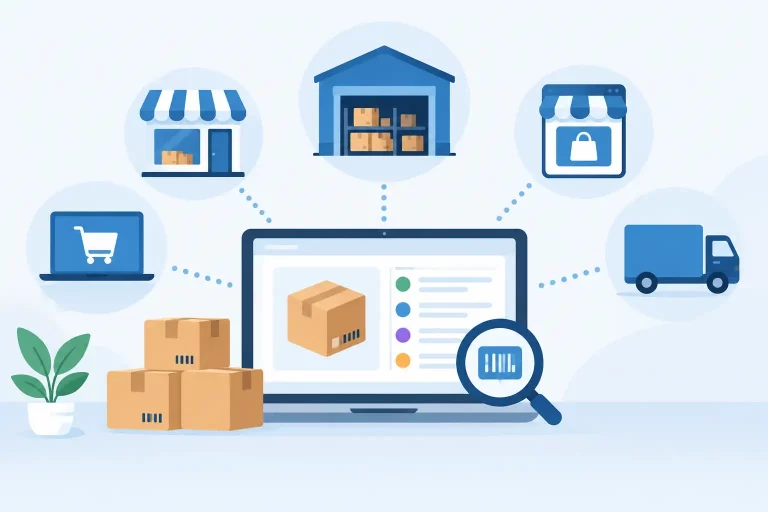
For a multichannel business, the highest-value inventory control function is usually available-to-sell visibility. When one unit sells on Shopify, the remaining sellable quantity must be reflected across Amazon, eBay, Walmart, wholesale orders, and any other active channel quickly enough to prevent duplicate commitments. This requires more than a spreadsheet updated at the end of the day.
Inventory control also supports purchasing decisions. Reorder points, lead times, supplier performance, historical sales, seasonality, and open purchase orders help planners decide what to buy and when. The goal is not simply to carry more inventory. It is to hold enough of the right products to protect sales without tying up cash in slow-moving stock.
Common inventory control activities include cycle counts, stock adjustments, transfer tracking, inventory valuation inputs, bundle component tracking, and reserve stock rules. These controls reduce the chance that a promising sales number hides a stockout, a stranded product, or inventory that has been committed twice.
Inventory control example
Consider a seller offering a fast-moving kitchen accessory through a direct-to-consumer store, two marketplaces, and a B2B portal. Inventory control calculates that 300 units are physically on hand, 90 are committed to paid orders, 40 are reserved for wholesale customers, and 30 should remain as safety stock. The system can then expose 140 units for new online sales, rather than incorrectly publishing all 300.
That decision is commercial and inventory-focused. It does not tell a warehouse associate which shelf contains the product or how to pack it. That is warehouse management.
What Warehouse Management Covers
Warehouse management turns inventory into completed orders. It starts when goods arrive at the dock and continues until shipments are handed to carriers or transferred to another location.
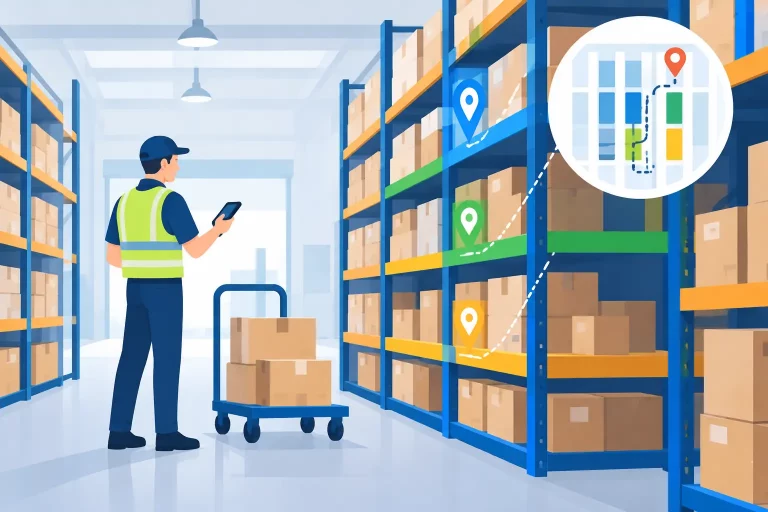
A controlled warehouse workflow records what was received, checks it against the purchase order, assigns storage locations, and makes stock available only after it has been verified. From there, location-level inventory and barcode scanning help teams find the right item, reduce mispicks, and maintain a record of each movement.
As order volume grows, warehouse management adds structure that simple inventory counts cannot provide. Pick lists can be organized by order priority, carrier cutoff, warehouse zone, or product location. Packing workflows can verify items before labels are created. Replenishment rules can move reserve stock into pick faces before a team loses time searching for product during a rush.


Shipping is also part of the warehouse execution picture. The fastest pick process still fails if teams compare carrier rates manually, print labels from separate portals, or miss the shipping service required for a marketplace order. Warehouse management connects fulfillment decisions to the operational details needed to ship accurately and on time.
Warehouse management example
Using the same kitchen accessory, a warehouse team receives 500 units. The inventory system records the receipt, while warehouse management directs 100 units to a forward-pick bin and 400 units to reserve storage. When online orders arrive, pickers are sent to the forward-pick bin. Once it reaches its minimum level, a replenishment task moves more units from reserve stock.
The total inventory may not change during that movement. Its location, accessibility, and readiness for fulfillment do. That is the warehouse management difference.
Where the Two Functions Must Work Together
The strongest operations do not create a hard boundary between warehouse management and inventory control. They connect both functions in one operating system, so a physical action updates the commercial inventory picture and a commercial commitment triggers the right warehouse work.
When a team receives a purchase order, for example, the system should increase inventory only according to the business rule in place. Some merchants make goods available after receiving is complete; others wait until quality checks are finished. When a customer places an order, available stock should decrease or be reserved immediately, while fulfillment work is sent to the appropriate warehouse. When an item is picked, packed, shipped, returned, or transferred, the inventory record should reflect that event without duplicate data entry.
This connection is especially important for sellers operating multiple warehouses, fulfillment partners, or retail locations. Inventory control determines where stock can be sold from. Warehouse management determines where the order should be fulfilled, based on location, inventory availability, processing capacity, shipping cost, service level, and customer delivery expectations.
Which Capability Does Your Business Need First?
It depends on the bottleneck. A merchant selling low order volume from one storage area may need inventory control first. If stock levels are unreliable across channels, improving bin labels alone will not stop overselling. Centralized SKU data, real-time order synchronization, stock reservations, and purchase order visibility should come first.
A business with accurate quantities but late shipments, frequent mispicks, or excessive walking time has a warehouse management problem. The priority should be location control, barcode-supported workflows, clear receiving and putaway steps, pick-path discipline, and integrated shipping.
Most scaling merchants need both sooner than expected. The breaking point often arrives when a business adds another marketplace, begins selling wholesale, opens a second facility, or starts handling a larger catalog. Manual workarounds that held together at 20 orders per day can become costly at 200 orders per day because every disconnected process creates another opportunity for stock errors or delayed fulfillment.
A platform such as eSwap brings inventory, orders, warehouse workflows, shipping, purchasing, and multichannel listings into a shared operational view. The practical benefit is not having more software screens. It is allowing a sale, receipt, transfer, or shipment to update the teams and workflows that depend on it.
Build the Operating Model Around Real Events
The right setup follows the movement of products and orders through your business. Define when inventory becomes sellable, how orders reserve stock, who can make adjustments, where returns are inspected, and how transfers between locations are recorded. Then make sure warehouse processes produce the data your inventory team needs without relying on end-of-day spreadsheets.
When inventory control and warehouse management work from the same source of truth, your team spends less time reconciling exceptions and more time keeping products available, orders moving, and customers informed. That is the operational discipline that lets a multichannel business add volume without adding chaos.