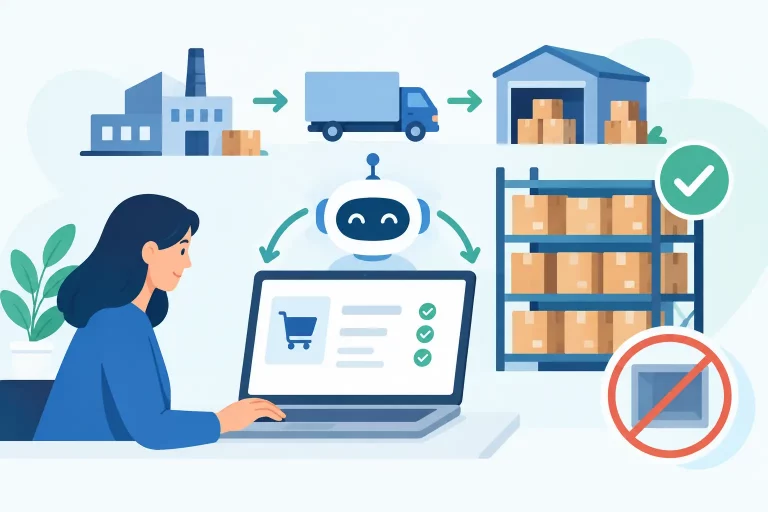
A customer buys the last available unit on your website. Minutes later, the same item sells on a marketplace because inventory did not update fast enough. The result is a cancellation, a support ticket, and a preventable hit to customer trust. Order management software exists to stop this kind of operational failure before it reaches the customer.

For multichannel sellers, order volume is rarely the only challenge. The real pressure comes from handling orders, stock, product data, shipping rules, purchase orders, and warehouse activity across systems that do not share the same information. A connected operations platform gives teams one source of truth, so sales growth does not create more manual work and more costly exceptions.
What Order Management Software Must Control
At a basic level, order management software collects orders from sales channels and moves them through fulfillment. For a growing retailer or wholesaler, that definition is too limited. The system should coordinate the work that happens before, during, and after an order is placed.
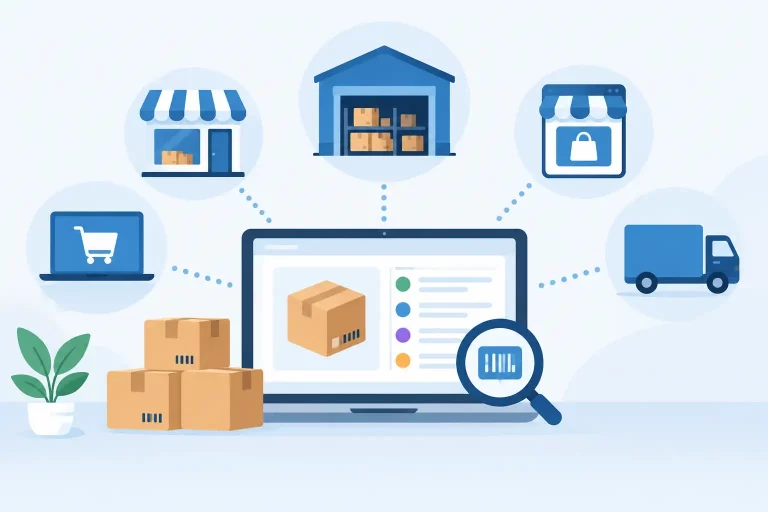
That starts with centralized order intake. Orders from Shopify, Amazon, eBay, Walmart, B2B customers, and other channels should enter one operational view with the correct items, customer details, payment status, shipping service, and fulfillment priority. Your team should not need to download spreadsheets, switch browser tabs, or manually rekey order data to understand what must ship next.
Inventory control is equally critical. When stock changes in a warehouse, through a return, or after a sale, available quantities need to update across connected channels. Accurate inventory synchronization reduces overselling while helping merchants protect stock for priority channels, wholesale accounts, or high-margin products.
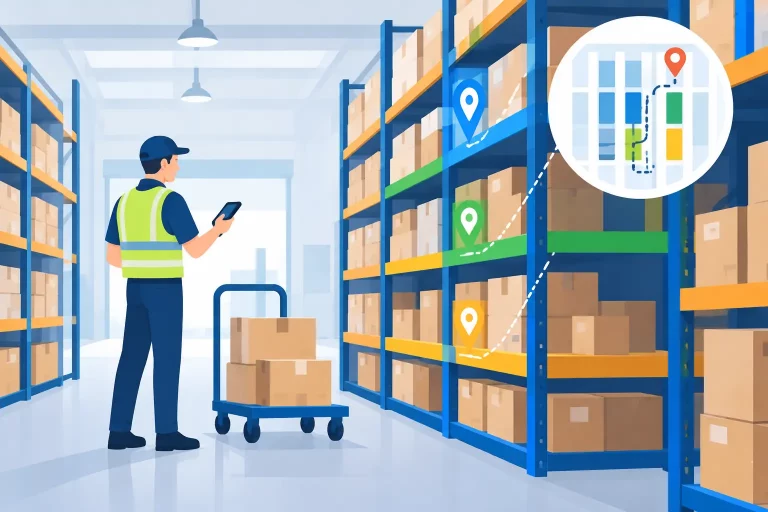
The strongest systems also connect fulfillment to warehouse execution. That means staff can pick, pack, label, and dispatch from workflows built around actual warehouse conditions. A busy operation may need batch picking, barcode scanning, multiple fulfillment locations, split shipments, or rules that assign orders to the best warehouse. These functions are not extras when volume rises. They determine whether orders leave on time.
The Cost of Running Orders in Separate Systems
Disconnected tools often appear manageable at first. A store platform handles direct sales, a marketplace portal handles marketplace orders, a shipping tool produces labels, and a spreadsheet tracks purchasing. The gaps become visible when the business adds channels, products, warehouses, or staff.
Operations teams then spend time checking which number is current. Is the quantity in the marketplace accurate? Has the order already shipped? Did a warehouse transfer get recorded? Was the purchase order received? Each manual check slows fulfillment and creates opportunities for inconsistent data.
The financial cost is not limited to labor. Stockouts can cause lost sales, overselling can lead to cancellations, and shipping mistakes can produce expensive resends. Poor order visibility also makes it harder to identify delayed orders before customers ask about them. When managers cannot see demand and stock movement clearly, purchasing becomes reactive rather than planned.
Centralizing workflows does not remove every exception. A customer may change an address, a carrier may miss a scan, or a supplier may ship late. It does give teams a consistent place to identify, assign, and resolve those exceptions. That is the difference between a problem being managed and a problem being discovered too late.
Where Automation Delivers the Most Value
Automation should reduce repetitive decisions without removing the control operators need. The most useful rules are based on conditions your team already understands but should not have to apply manually hundreds of times per day.
For example, an order can be routed to a warehouse based on available stock and customer location. Shipping methods can be selected according to service level, package weight, destination, order value, or carrier cost. Fraud review holds can be applied before a label is created. Wholesale orders can follow their own approval and payment workflow instead of being treated like consumer orders.
Product and catalog automation matters as well. Merchants selling the same SKU across multiple channels need consistent titles, identifiers, descriptions, and channel-specific listing information. A centralized catalog reduces the chance that one channel carries outdated attributes, incorrect variations, or an inactive item that is still available elsewhere.
Purchasing is another area where connected data improves decisions. When sales, committed inventory, incoming stock, and reorder rules are visible in the same system, buyers can act on current demand rather than an outdated stock report. The value is especially clear for businesses that manage seasonal products, fast-moving SKUs, or supplier lead times that leave little room for error.


How to Evaluate Order Management Software
The right platform depends on the complexity of your operation, not simply the number of orders you ship. A merchant with 200 daily orders across one store has different needs from a wholesaler processing fewer but more complex orders across multiple warehouses.
Start with channel coverage. Confirm that the software connects to the storefronts, marketplaces, carriers, accounting tools, payment systems, and B2B processes you use now. Also consider the channels you expect to add. Replacing a platform after expansion is disruptive, so integration depth matters as much as the number of logos on an integration page.
Next, assess inventory behavior. Ask how the platform handles reserved inventory, bundles, variants, returns, warehouse transfers, and stock allocated to wholesale customers. If you sell from more than one location, verify that inventory can be tracked and fulfilled by location without relying on manual adjustments.
Warehouse capability deserves the same level of scrutiny. A system may import orders successfully but still leave your fulfillment team using workarounds. Look for workflows that support the way orders move through your facility, including scanning, pick lists, packing verification, shipping labels, and exception handling. If third-party logistics partners are involved, confirm how orders and inventory updates will flow between systems.
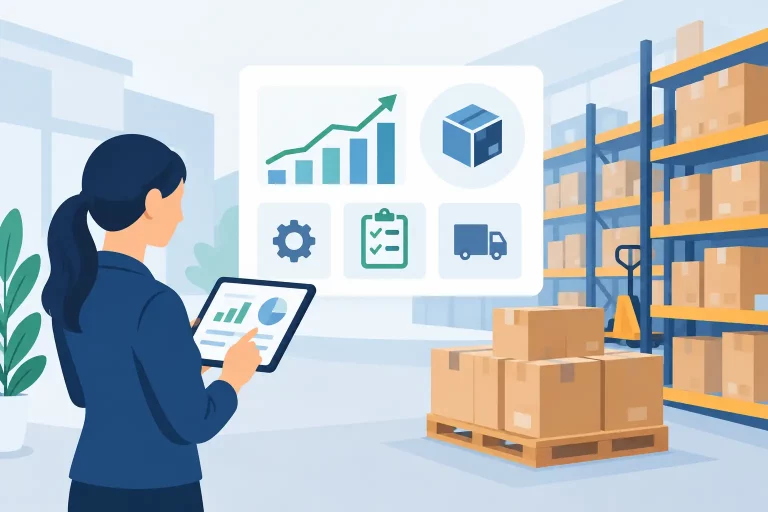
Finally, consider visibility and accountability. Operations managers need more than a list of orders. They need to see unfulfilled orders, late shipments, stock risk, channel performance, purchase order status, and warehouse activity in time to act. Clear reporting turns operational data into decisions instead of after-the-fact explanations.
Implementing Without Disrupting Fulfillment
A successful implementation is usually a process project before it is a software project. Begin by documenting how an order moves from sale to shipment, including the points where staff currently copy data, make decisions, or correct mistakes. Those steps reveal which workflows should be automated and which need approval controls.
Clean product data before migration where possible. Consistent SKUs, barcodes, variants, dimensions, and supplier information make inventory and fulfillment workflows more reliable from the start. This work can feel slow, but inaccurate catalog data will create recurring problems long after the launch date.
Roll out in manageable stages when the operation is complex. Many teams begin by centralizing orders and inventory, then add shipping automation, warehouse scanning, purchasing, and B2B workflows. A phased approach can reduce disruption, although businesses with severe overselling or fulfillment issues may need a faster move to centralized control.
Train teams around real scenarios, not only software screens. Have warehouse staff process a normal order, a split shipment, an out-of-stock item, a return, and a rush order. Have managers review inventory changes and exception queues. The goal is not merely that users know where to click. It is that everyone understands which system record is authoritative when a question arises.
Build Operations That Can Handle the Next Channel
Order management software should give a business more than a cleaner order queue. It should create a reliable operating layer between sales channels and the work of purchasing, inventory, warehouse fulfillment, shipping, and wholesale management.
eSwap is designed for merchants that need this level of control across multichannel retail and wholesale operations. By bringing connected workflows into one platform, teams can spend less time reconciling systems and more time improving fulfillment performance, protecting inventory accuracy, and supporting growth.
The best time to centralize operations is before manual work becomes the only thing holding the business together. Choose a system that reflects how your team ships today, while giving it the control to handle the orders, channels, and warehouses you plan to add next.