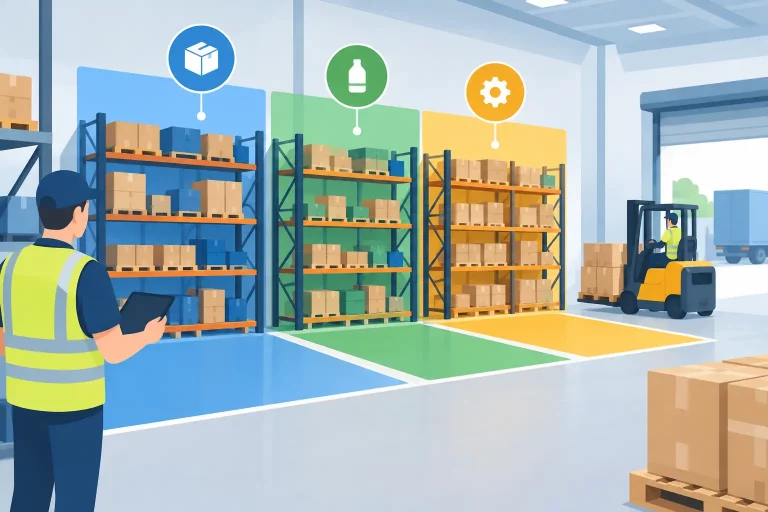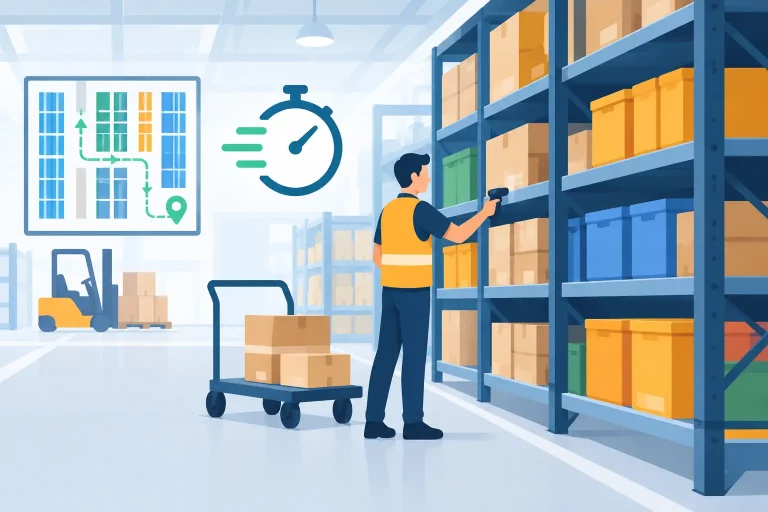
When orders from Amazon, eBay, Walmart, Shopify, and wholesale channels land in different systems, the problem is not volume. It is fragmentation. Teams waste time switching tabs, copying data, fixing stock errors, and chasing shipping updates. If you want to know how to centralize marketplace orders, the goal is simple: create one operational flow for every order, regardless of where it was placed.

That sounds straightforward, but most sellers hit the same wall. They add channels faster than they improve operations. One marketplace uses its own shipping settings, another has different SKU formatting, and warehouse teams rely on spreadsheets because the order data coming in is inconsistent. The result is slower fulfillment, more overselling risk, and less confidence in what inventory is actually available.
Why centralizing marketplace orders matters
Centralizing orders is not just about convenience. It changes how the business runs day to day. When all orders feed into one system, operations teams can prioritize fulfillment based on real demand instead of channel-by-channel guesswork. Inventory updates happen faster, customer service has a single source of truth, and purchasing teams can see what is moving before stockouts become a problem.
This also reduces the hidden cost of multichannel growth. A business can keep adding sales channels, but if each one adds manual work, growth becomes expensive. More orders should improve revenue, not create more back-office friction. A centralized order flow helps protect margins by cutting repetitive tasks and reducing avoidable errors.
There is a strategic benefit too. Once orders are unified, reporting becomes more useful. You can compare channel performance, spot fulfillment bottlenecks, and make smarter decisions about inventory placement, replenishment, and warehouse workload.
How to centralize marketplace orders without creating new problems
The fastest way to centralize orders is not always the best way. Some businesses try to patch systems together with exports, custom spreadsheets, or lightweight apps for each marketplace. That can work for a while, especially at lower order volume, but it usually creates a fragile process. The more channels, warehouses, and SKUs you add, the more those workarounds break down.
A better approach is to centralize order intake, inventory syncing, shipping workflows, and fulfillment status in one operational platform. That gives every team access to the same order record and reduces the lag between sale, picking, packing, and stock updates.
To do that well, you need to fix the underlying structure first.
Start with SKU and catalog consistency
Order centralization fails when products are not mapped correctly across channels. If Amazon uses one SKU, Shopify uses another, and your warehouse team recognizes neither, you do not have one order workflow. You have several disconnected versions of the same product.
Before bringing all orders into one system, clean up your catalog. Standardize SKUs, confirm product relationships, and make sure bundles, kits, and variants are clearly defined. This is especially important for businesses selling the same inventory across multiple marketplaces. If product mapping is loose, inventory counts will drift and centralized order management will still produce fulfillment mistakes.
Connect every sales channel to one order hub
The core step in how to centralize marketplace orders is connecting each marketplace and store to a single system that receives orders automatically. That system should normalize incoming order data so your team is not dealing with a different structure for every channel.
At minimum, the order hub should capture order details, payment status, shipping method, customer information, item-level data, and channel source. More advanced setups also handle order tags, routing logic, warehouse assignment, and fraud or exception flags.
This is where many businesses see the first real time savings. Instead of checking each marketplace separately, teams work from one dashboard. Orders are visible immediately, and operators can manage exceptions before they affect service levels.
Sync inventory in real time or near real time
Order centralization only works if inventory moves with it. If your marketplaces continue using stale stock counts, your team may have one place to view orders but still no control over what is available to sell.
Real-time or near real-time inventory syncing is critical for preventing overselling. As soon as an order is placed on one channel, available stock should adjust everywhere else. This matters even more for businesses with fast-moving SKUs, shared inventory across channels, or multiple warehouses.
There is some nuance here. Not every seller needs the same sync logic. A business with made-to-order products may care more about production capacity than on-hand stock. A wholesale business may reserve inventory differently than a DTC retailer. The right setup depends on your fulfillment model, but the principle stays the same: orders and inventory cannot be managed separately.
Build one fulfillment workflow for every channel
Once order intake and inventory are centralized, the next step is fulfillment. This is where disconnected systems create the most daily friction. Warehouse teams should not have to learn separate pick, pack, and ship steps for each marketplace.
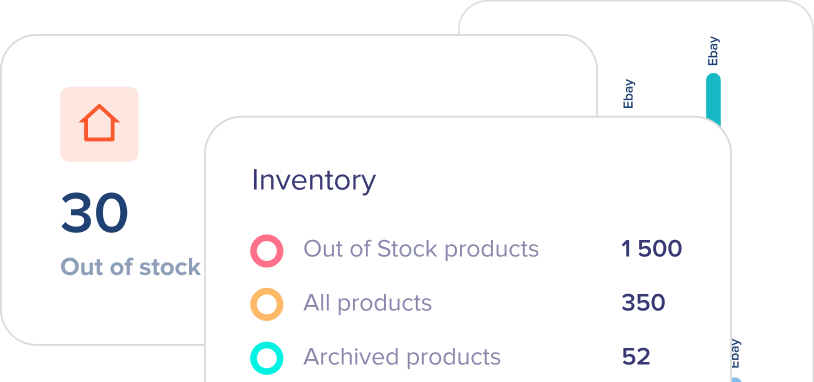
A centralized workflow lets orders enter one queue, then move through consistent operational stages. That might include payment review, allocation, picking, packing, carrier selection, label creation, and shipment confirmation. Channel-specific requirements still matter, but they should be handled by rules inside the system, not by manual memory.
Use automation where it removes repeat work
Good automation is not about replacing judgment. It is about removing repetitive decisions your team should not have to make over and over. For example, orders can be routed to a warehouse based on stock location, shipping labels can be generated using carrier rules, and priority orders can be flagged automatically.
This matters because the biggest operational slowdowns are often small but constant. Choosing the same shipping method 200 times a day, checking whether a SKU is available in a second warehouse, or manually updating tracking across channels all add up. Centralization creates the foundation for automation, and automation is what makes the process scale.
Make exceptions visible early
Not every order should follow the same path. Some need holds, address checks, split shipments, or inventory substitutions. A strong centralized process does not ignore those exceptions. It isolates them quickly so the rest of the queue keeps moving.
This is one of the clearest advantages of using an operational platform instead of a basic connector. You do not just collect orders in one place. You manage the entire workflow from the same environment, with enough visibility to act before an issue turns into a delayed shipment or canceled order.
What to look for in a system that centralizes marketplace orders
If you are choosing software, focus less on whether it connects to your channels and more on whether it can run your operations. Basic integrations are table stakes. What matters is what happens after the order arrives.
A useful system should centralize orders, inventory, shipping, warehouse activity, and catalog data together. It should support multiple marketplaces, direct sales channels, and if relevant, wholesale workflows. It should also give your team real-time visibility into order status, stock availability, and fulfillment performance without requiring manual reconciliation.
This is where platforms like eSwap fit best. The value is not only that orders from multiple marketplaces appear in one place. The value is that inventory, shipping, warehouse work, and purchasing can all work from the same operating layer. That is what reduces chaos as order volume grows.
There are trade-offs to consider. A more capable system usually requires better process discipline. You may need to clean up your catalog, define warehouse logic, and standardize fulfillment steps before you get the full benefit. But that work pays off because it creates a setup that can support growth without forcing you to add manual labor every time a new channel comes online.
Common mistakes when centralizing marketplace orders
The biggest mistake is treating centralization like a visibility project instead of an operations project. Seeing all orders on one screen is useful, but it does not solve much if inventory stays disconnected and fulfillment still runs through separate tools.
Another mistake is postponing data cleanup. If your SKU structure is messy, a centralized system will expose the issue faster, not hide it. The same goes for warehouse processes that depend on tribal knowledge instead of clear rules.
It is also common to overbuild too early. Some businesses try to automate every edge case on day one. A better path is to centralize the core flow first, then add automation where volume justifies it. Start with order capture, stock syncing, and fulfillment execution. Once those are stable, layer on smarter routing and deeper workflow controls.
The businesses that handle multichannel growth best are usually not the ones with the most tools. They are the ones with the clearest operational structure. If you centralize marketplace orders the right way, your team stops managing channels separately and starts running one controlled commerce operation. That shift is what gives you faster fulfillment, fewer stock mistakes, and room to grow without adding avoidable complexity.